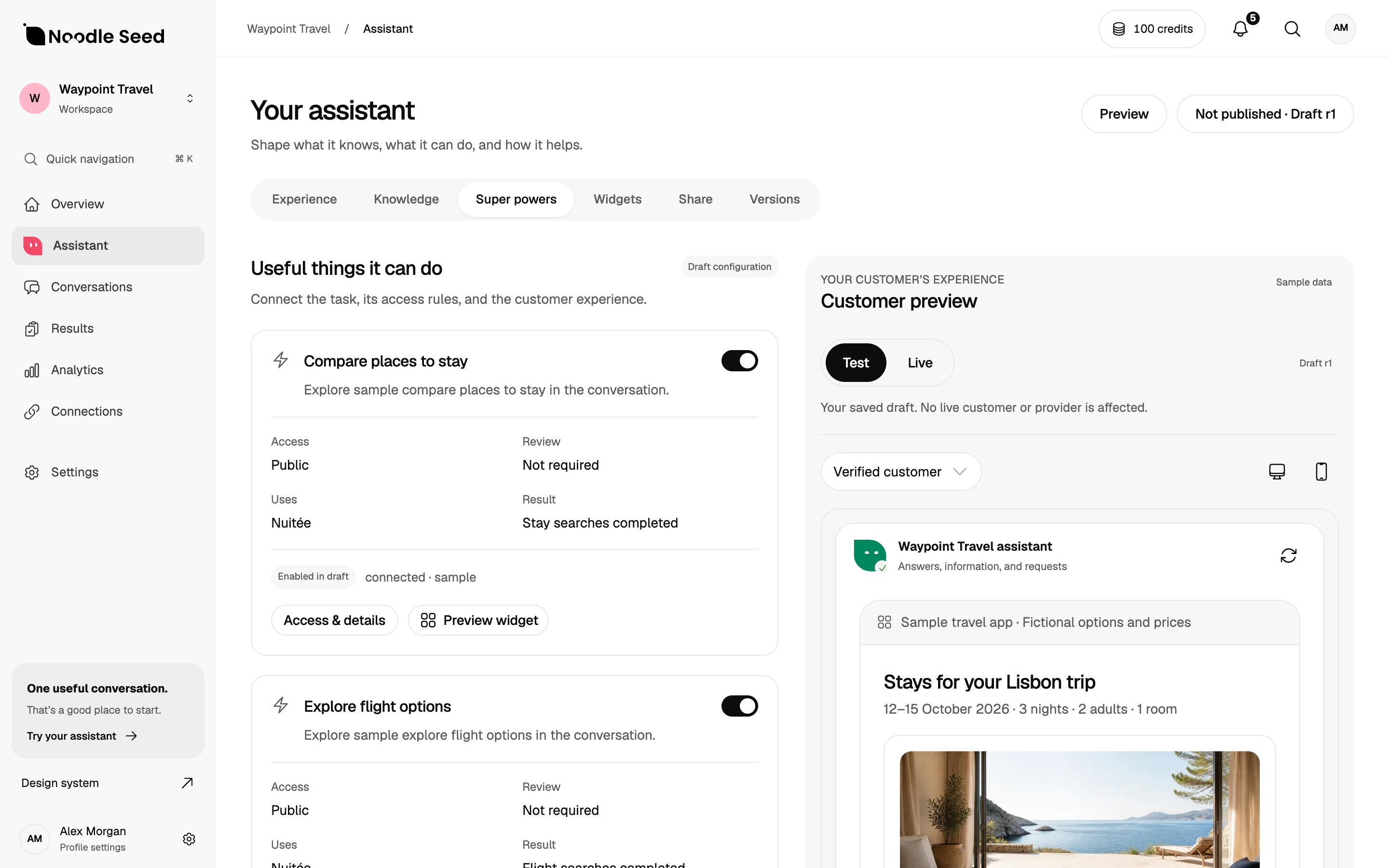
Workspace preview with sample data. Connected capabilities and access must be confirmed for your project.
Chatbase has a packaged Shopify integration and documented commerce actions. Noodle Seed offers a documented Shopify implementation for a tailored product-selection and checkout-handoff experience. Choose by testing your required workflow, access and operating cost.
The useful comparison at a glance
This comparison is written by Noodle Seed. Product documentation was reviewed on October 8, 2026. It is a decision framework, not an independent benchmark or a claim that we ran a purchase through both products.
| Decision | Chatbase | Noodle Seed |
|---|---|---|
| Shopify starting point | Documented app installation and packaged commerce workflows. | Documented implementation for search, selection, store knowledge and hosted-checkout handoff. |
| Customer-service actions | Documents order workflows and staff-approved exchanges. | Agree and verify the required action as part of the implementation scope. |
| Access and timing | Check current plans and requirements for the chosen integration. | The business website offers beta early access; confirm scope and availability. |
| Fit | Evaluate when an existing integration matches the required workflow. | Explore when the customer’s buying journey needs tailored behaviour or presentation. |
Sources: Chatbase Shopify setup and Noodle Seed Shopify implementation.
When Chatbase deserves a place on your shortlist
Chatbase extends beyond static FAQ answers. Its September 23 Shopify release documents conversational order creation, image-based search, staff-approved exchanges and replacement workflows. Those are relevant capabilities for a store evaluating customer conversations.
Ask which actions, channels, approval rules and add-ons apply to your setup. A documented feature is a good reason to test a product; it does not mean every feature is included in every plan or configured correctly for your store.
When to explore Noodle Seed
Explore Noodle Seed when you need a buying experience shaped around your product and customer questions. The Shopify example provides a concrete starting point for product selection and store knowledge, with a reviewed selection passed to Shopify checkout.
Confirm the exact channel, implementation work and access before setting a launch date. This comparison does not promise a Noodle Seed migration tool, an immediately available WooCommerce plugin or an Etsy marketplace installation.
For a Shopify store, first compare the native baseline too. Our Shopify chatbot guide includes Shopify Inbox alongside the other approaches.
Use the same task to compare both options
Prepare a fictional catalogue and ask for an available bag within a budget that fits a particular laptop. Include a product with an unclear weather rating and one with an unavailable variant. Ask each system to explain the recommendation before creating a cart.
Continue through the supported checkout flow. Test a changed price, an unsupported request and a private order question. Inspect the result in the commerce system. These are proposed acceptance cases, not published scores for either supplier.
The shopping assistant guide includes a reusable example. The evaluation toolkit helps record what passed, failed or was not run.
Compare the work around the assistant
Identify who updates sources, reviews conversations and handles failures. Check whether a new configuration can be tested before customers see it. Require a clear path to a person when the assistant cannot complete a request.
List every necessary connection and the exact action it supports. Product search, an order lookup, a refund and a marketing subscription should each have their own permissions and completion evidence. Do not let a broad “integrations” label substitute for this review.
Check cost with your expected workload
Compare current quotations for the same workload: customer conversations, channels, team access, actions and any implementation work. Include source maintenance and operational review, not just the entry price.
Use Chatbase’s current pricing and confirm Noodle Seed’s scope and commercial terms directly. Historical blog prices and planned pricing are not a reliable comparison of an offer you can buy today.
Before moving an existing setup
Inventory approved knowledge, instructions, connections and customer-facing messages. Confirm what can be exported and what needs rebuilding. Replay representative questions on the replacement before moving the live entry point.
Keep a rollback path and a named owner for the switch. Preserve the original business records used to confirm orders and customer requests. An imported knowledge collection alone is not a complete migration.
Frequently asked questions
Is Chatbase only for support?
No. Its documented offering includes sales guidance and Shopify commerce actions. Evaluate the required buying journey rather than assuming a category label describes all its capabilities.
Are actions unique to Noodle Seed?
No. Compare the specific action, who can authorise it, the customer experience and the system result.
Is Noodle Seed a replacement for an entire marketing stack?
This comparison makes no such claim. Keep email campaigns, audience data and other systems in the requirements if you rely on them. A tailored shopping experience may need to work alongside them.
Which should I choose?
If an existing Chatbase integration meets your task and timing, evaluate it. If your buying journey calls for a tailored experience, discuss the scope with Noodle Seed and compare a working implementation against the same tests.
Your next steps.
Use this checklist to prepare your evaluation. Checks stay in this page and reset when you leave.
0 of 4 added to your review