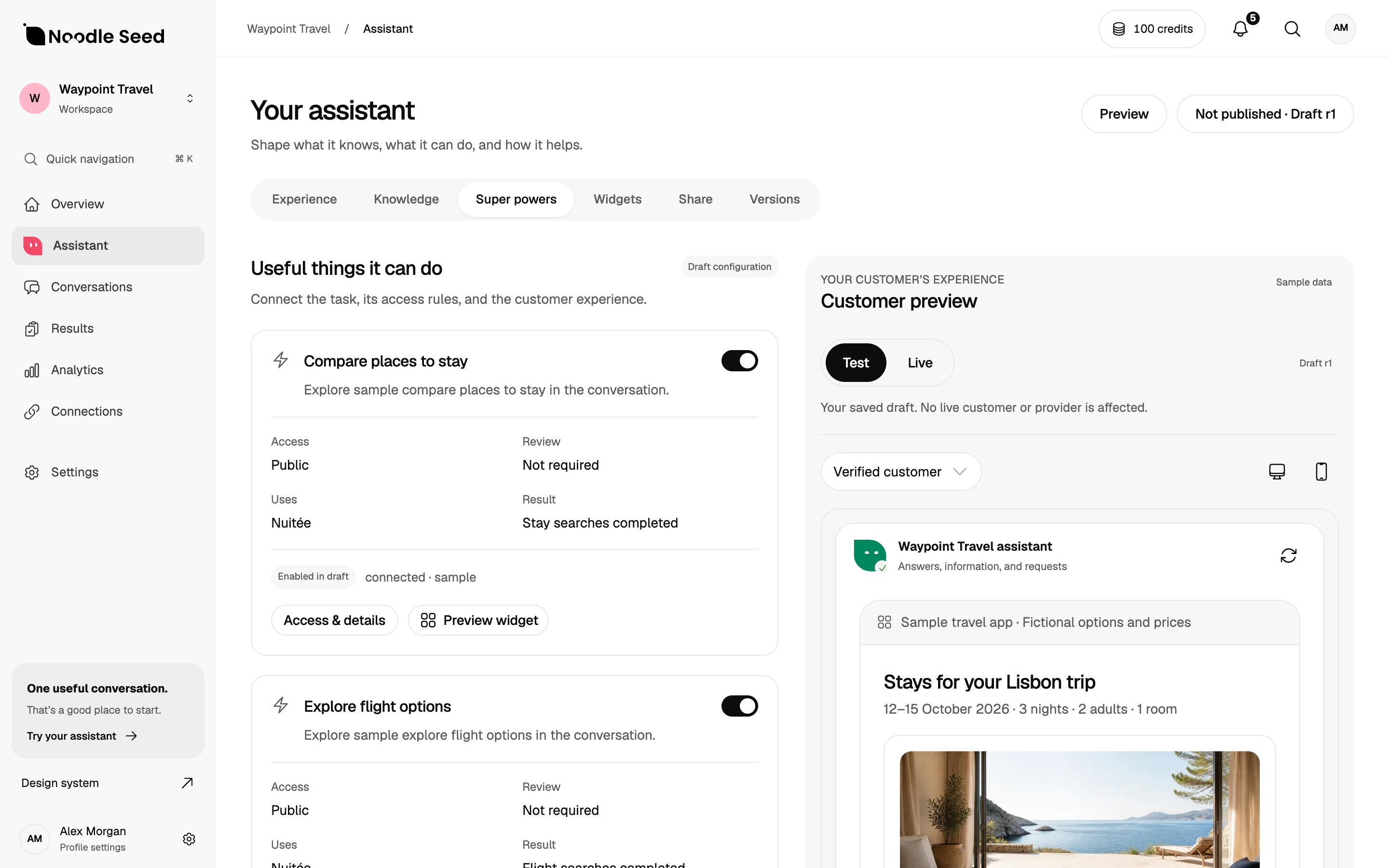
Workspace preview with sample data. Connected capabilities and access must be confirmed for your project.
Start with a purchase your customer wants to complete. Test product selection, a reviewed cart, the supported checkout route and the order result. A handoff to hosted checkout and an in-conversation payment are different flows.
Choose one purchase journey
Write the task as a shopper would describe it: “Help me find and buy a backpack under $100 that fits my laptop.” Define the finish line: a suitable available product, a reviewed final total, customer-approved payment and an order confirmed by the commerce system.
Avoid starting with a broad goal such as “make the website more conversational.” That goal does not tell you which data to prepare or how to recognize a good answer. A specific decision does.
If you are still defining the commercial use case, start with our ecommerce assistant overview.
Check five parts of the experience
1. Does it ask a question that matters?
“What are you looking for?” is useful only if the next answer changes what happens. An assistant comparing backpacks may need a laptop size, budget or intended use. It should not ask for an email address simply to explain a product.
Test incomplete requests. “I need a bag for work” should lead to clarification or clearly stated assumptions, not an unsupported recommendation. Ask whether the shopper can revise the answer without starting over.
2. Can you trace its recommendation to product facts?
Choose a product with a specific limitation. If the material is water-resistant, ask whether it is waterproof. If a bag fits a 13-inch laptop, ask whether it fits a 15-inch one. Check that the answer respects the source rather than stretching a specification to make the sale.
A useful explanation connects a recommendation to the shopper's requirements. “This fits your laptop and budget, but it is not described as waterproof” is more useful than an unexplained “best match.”
3. Does it handle changing information?
Ask how prices, stock and policies reach the assistant. Find out what happens when a source becomes unavailable, an update is delayed, or two records disagree. A maintained knowledge source is part of the product, not a one-time setup exercise.
For a system with live inventory, change a test item's stock and inspect the next response. For a system using static files, check that the experience does not describe those files as live availability. Different setups can be appropriate, but the limitation should be clear.
4. Can the shopper reach the correct checkout?
Ask the shopper to select an item, review the variant and quantity, then follow the supported checkout route. Verify shipping, tax and payment in that checkout. Test each channel you plan to offer; a working website experience does not establish identical behaviour in another host.
The customer should see the complete order before approving it. Verify the payment and order in the commerce system. If secure authentication needs a separate payment step, inspect how the shopper returns to the conversation and receives the result.
5. Can the customer recover?
Test the experience when no product fits, an integration fails or the customer changes their mind. It should preserve useful context, explain the issue and offer an appropriate next step. Human help needs to be reachable when the question cannot be resolved.
Also try the page on a small screen. Product details, links and confirmation controls should remain readable and usable. A good answer that cannot be inspected or acted on is an incomplete experience.
A small example you can reproduce
Use a fictional catalogue before connecting customer records. Here is an example with deliberately imperfect choices:
| Item | Price | Laptop size | Weather information | Availability |
|---|---|---|---|---|
| Metro 18 | $79 | Up to 15 inches | Water-resistant fabric; waterproofing unverified | Available |
| Commuter 22 | $99 | Up to 16 inches | Includes a rain cover | Unavailable |
| Everyday 16 | $59 | Up to 13 inches | No weather rating supplied | Available |
| Trail 24 | $129 | Up to 16 inches | Includes a rain cover | Available |
All names, prices and availability above are synthetic.
Ask for an available bag under $100 that fits a 15-inch laptop and is suitable for heavy rain. No item establishes all those requirements. A useful assistant should explain the gap, not silently exceed the budget, recommend unavailable stock or invent waterproof protection.
Then change one condition: the shopper can spend up to $140. The Trail becomes a candidate to inspect, but its rain cover still does not justify an invented waterproof certification. This tests whether the assistant updates its recommendation while keeping the original facts intact.
Compare options with the same test set
Prepare a small collection of common questions, edge cases and actions. Run it against each candidate with equivalent sources and settings. Save the answers and any actual system results.
Use the 30-case evaluation toolkit to structure the review. Keep “not run” separate from “passed,” and record unavailable functionality as a limitation. A product that performs well on simple questions may still need work on the task that matters most to your store.
Questions to ask a supplier
- Which catalogue formats and platforms are supported today?
- How are variant, price and stock changes reflected?
- Where does payment take place, and which checkout flow is supported on each proposed channel?
- Which tasks require customer authentication?
- What happens when a source cannot be reached?
- Can we inspect conversations and verify completed actions?
- How does a shopper reach a person?
- What is included in the price, and what usage or service charges are additional?
- Can we run our own representative test before committing?
If you are comparing specific platforms, our Chatbase comparison explains how to assess fit and availability.
Decide what success looks like
Use the completed purchase as the outcome for agentic checkout. Track product views, cart creation and checkout starts as earlier steps, then confirm orders and revenue in the commerce system. Record cancellations, failed payments and unknown results separately.
Start with a small, reviewable pilot. Keep standard browsing available. Record failed and unresolved tasks alongside successful ones, then decide whether the experience deserves a wider rollout.
Bring conversational checkout to your business
Noodle Seed’s documented Shopify implementation connects product selection to Shopify-hosted checkout. Confirm the scope and channel for your own store through beta early access. Use the platform guides below to prepare your requirements.
Request early access to hear when access is available.
Read the Shopify guide, WooCommerce guide or Etsy seller guide for your platform.
Your next steps.
Use this checklist to prepare your evaluation. Checks stay in this page and reset when you leave.
0 of 4 added to your review