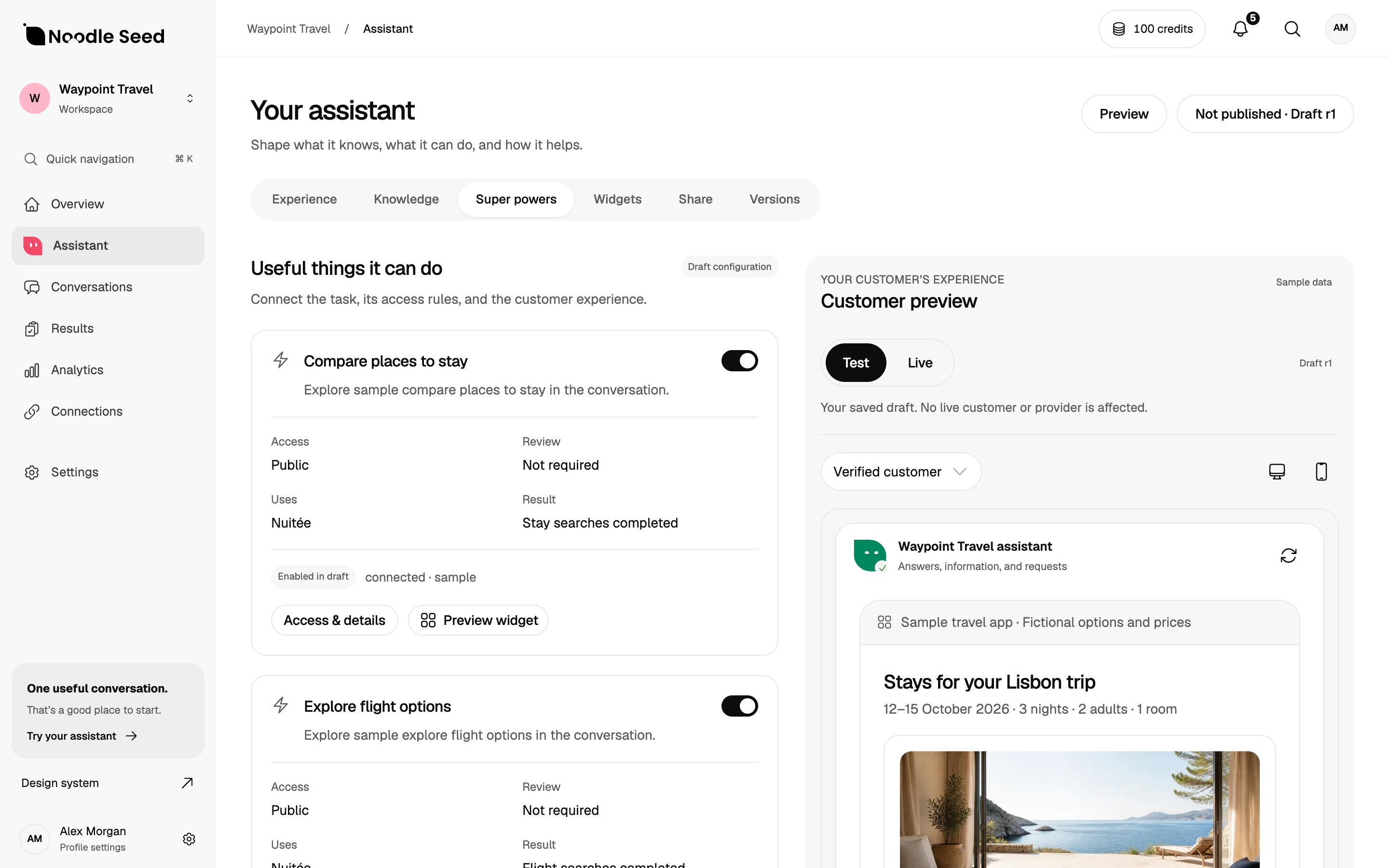
An ecommerce AI chatbot should help a customer make a buying decision using accurate product information, then support the next step your store can actually complete. Evaluate product discovery, customer access, checkout handoff and confirmed orders separately.
What should an ecommerce chatbot do?
A customer arrives with a job: find a gift within a budget, choose the right size or compare two products. The assistant should help narrow the choice, explain relevant differences and offer a useful next step. Start with that buying decision before choosing a tool.
There are three common levels of capability: answering from published information, reading current commerce data, and taking an authorised action. A good FAQ answer does not prove that a system can check live stock, access a private order or create the right cart.
Choose the guide for your store
- AI chatbot for Shopify: compare Shopify Inbox, Chatbase and a tailored Noodle Seed experience.
- AI chatbot for WooCommerce: check plugin compatibility, product variants, customer access and checkout sessions.
- AI chatbot for Etsy: start with native replies and message templates, with clear limits on marketplace automation.
The platform changes what you can install and what information you can access. A separately owned storefront and an Etsy marketplace shop are different surfaces. Do not assume an embed or commerce connection works everywhere.
Map the buying journey before choosing software
Use a concrete request, such as “I need a bag that fits my laptop and can arrive before my trip.” Identify the product facts needed, the questions that clarify the request and the store action that should follow.
| Step | Information needed | Evidence of completion |
|---|---|---|
| Find a product | Catalogue, variants and customer constraints | A suitable, available item is shown. |
| Answer a policy question | The relevant published policy and exceptions | The answer preserves its conditions. |
| Review a selection | Selected variant, quantity and current price | The customer can inspect the choice. |
| Continue to checkout | A valid cart and supported checkout route | The correct store and selection open. |
| Complete the purchase | Payment and order records | The commerce system confirms the order. |
Understand checkout in a conversation
Conversational or agentic checkout describes a buying flow that begins in a conversation. The payment step may take place in the store’s hosted checkout. Ask where the customer reviews the final amount, where payment happens and how an order is confirmed.
Noodle Seed’s Shopify implementation guide documents product selection, a one-item review and cart creation followed by Shopify-hosted checkout. A checkout link is a handoff, not evidence that the customer paid. Availability in a particular chat host requires its own implementation and review.
Prepare sources that match the task
Use product guides for stable specifications and policies for published terms. Current prices and stock need an appropriate commerce data source. Private customer questions need identity and access checks. Agree who fixes a source when an answer is wrong.
Start with the knowledge base chatbot guide if your information is scattered across pages and documents. For Shopify, our catalogue freshness guide explains live lookup versus periodic sync.
Test the cases that can lose a sale
Run the same proposed tests on each supplier with equivalent product data. Include an unavailable size, a missing specification, a price change, an uncertain delivery date, a private order question, a failed checkout and a request for a person.
Record the expected answer before the test and inspect the store result afterwards. Preserve “not run”, “failed” and “unknown” as separate outcomes. The shopping assistant buyer’s guide includes a fictional catalogue for this exercise, and the evaluation toolkit provides a repeatable review structure.
Measure purchases without overstating the result
Track product selections, cart creation, checkout starts and paid orders separately. Use the commerce system to confirm purchases. A helpful answer, a lead or an opened checkout is not revenue.
Compare similar traffic and time periods. Campaigns, promotions, stock changes and returning customers can change conversion independently of the assistant. If you cannot connect a conversation to a purchase reliably, report the observed steps and the measurement gap.
Questions to ask before committing
Should I replace my existing marketing platform?
Only if the replacement covers the jobs you use it for. A buying conversation, lifecycle email programme and campaign orchestration system are different requirements. Evaluate the needed connection to your existing stack before assuming one replaces the other.
Can I promise a conversion increase?
Not from a feature list or a demonstration. Define the outcome, establish a baseline and measure your own store. The scenarios in this guide are proposed evaluations, not customer results.
How should I compare price?
Compare the same channels, usage, required actions, implementation and maintenance. Check current offers directly with each supplier; planned pricing is not a live commercial commitment.
Start with one buying journey
Noodle Seed is one shopkeeper for every way your customers shop. Start with the product-selection question your store most needs to answer, the source behind it and the checkout your customer will use. Agree the implementation and supported channels before launch.
Our business website offers beta early access. Bring a concrete store journey to the discussion, or read Noodle Seed versus Chatbase to compare approaches.
Your next steps.
Use this checklist to prepare your evaluation. Checks stay in this page and reset when you leave.
0 of 4 added to your review